Etiam fringilla nec nibh efficitur
Lorem ipsum dolor sit amet, consectetur adipiscing elit. Etiam auctor id enim ac faucibus. Sed pellentesque nibh ligula, vel pellentesque lectus condimentum sed.
Learn More


Visualize as you design, turning models into beautiful spaces with powerful assets and real-time rendering right in your BIM software. Get started with our architectural rendering software for Mac and Windows.
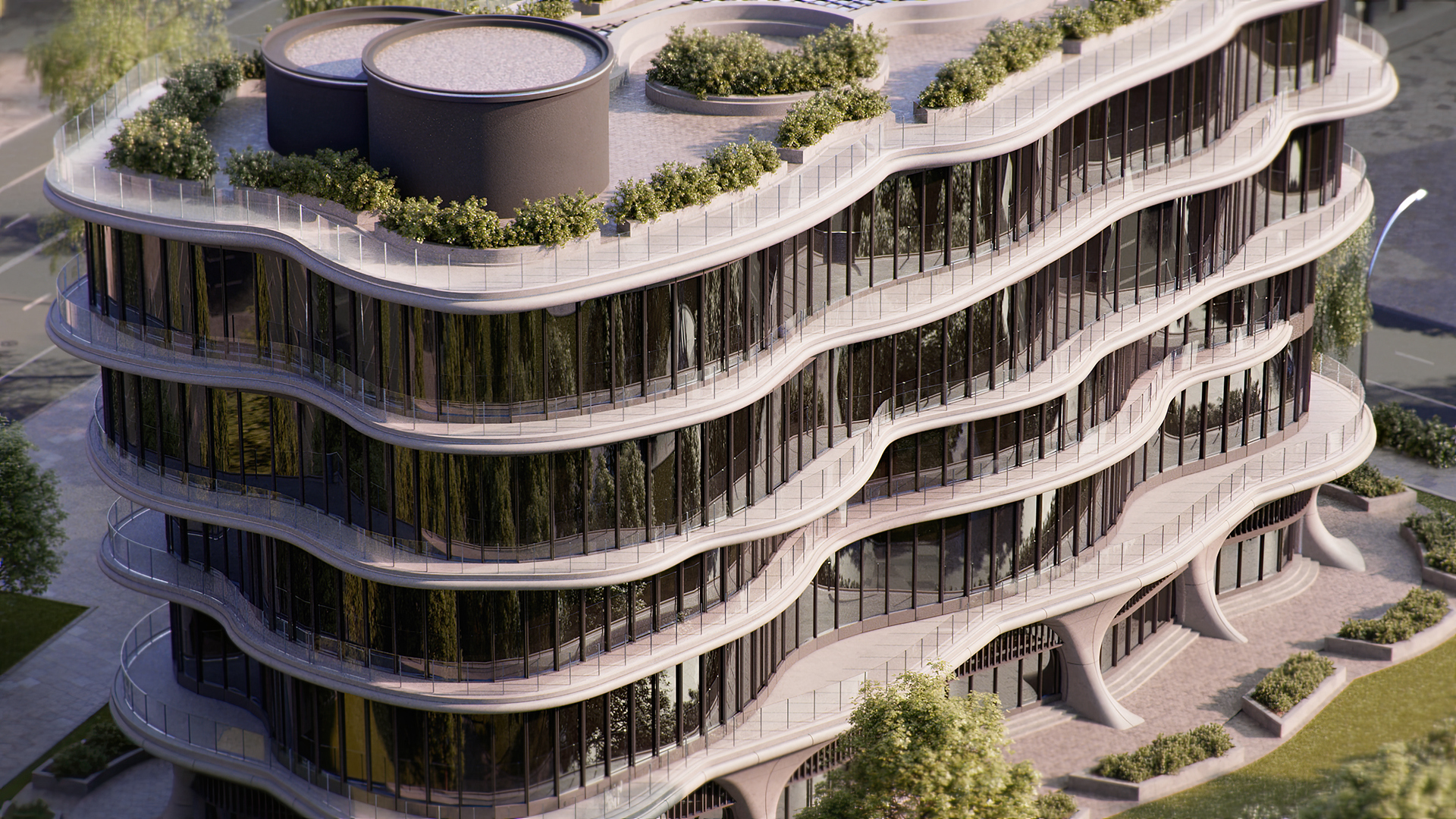
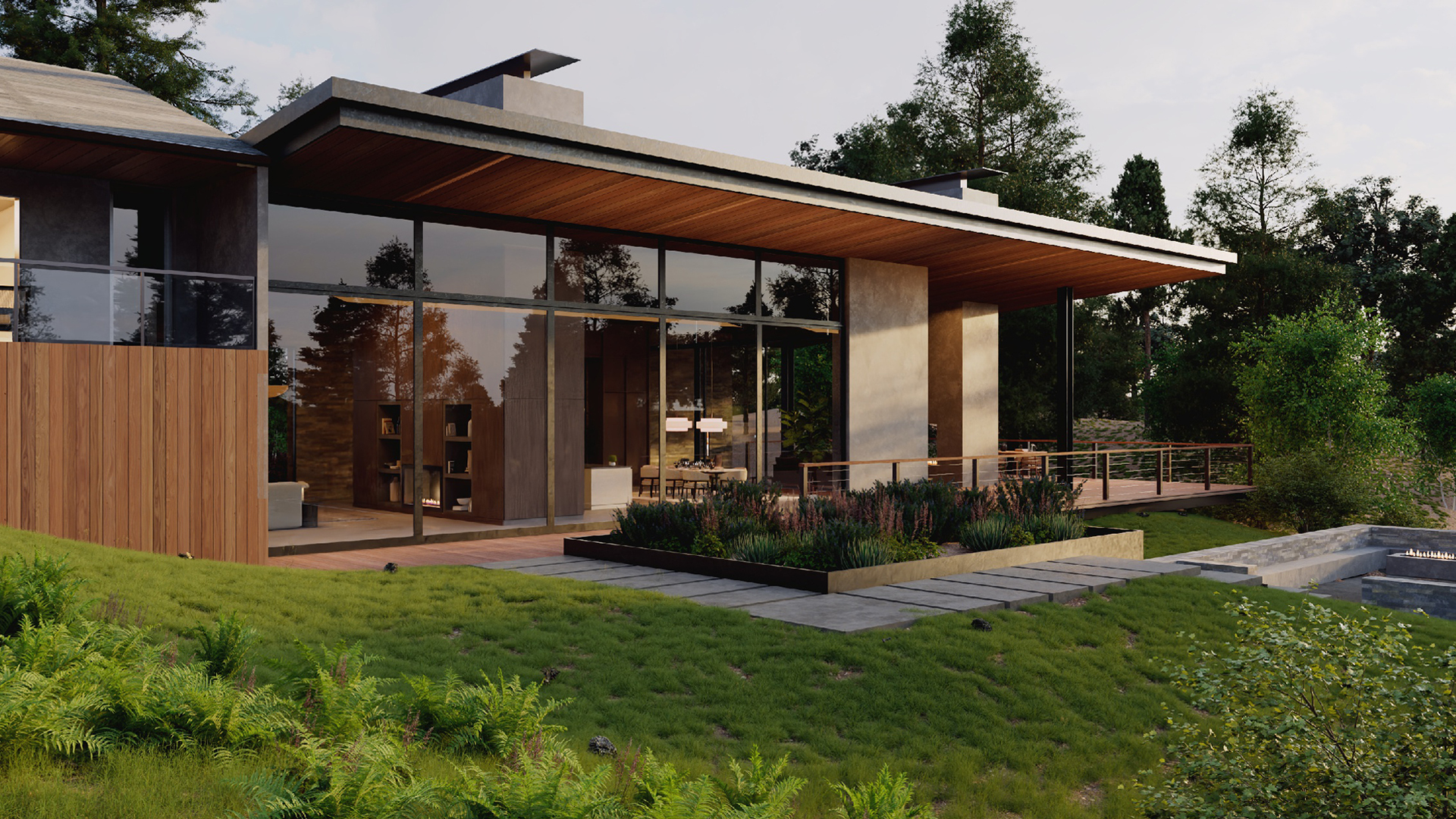
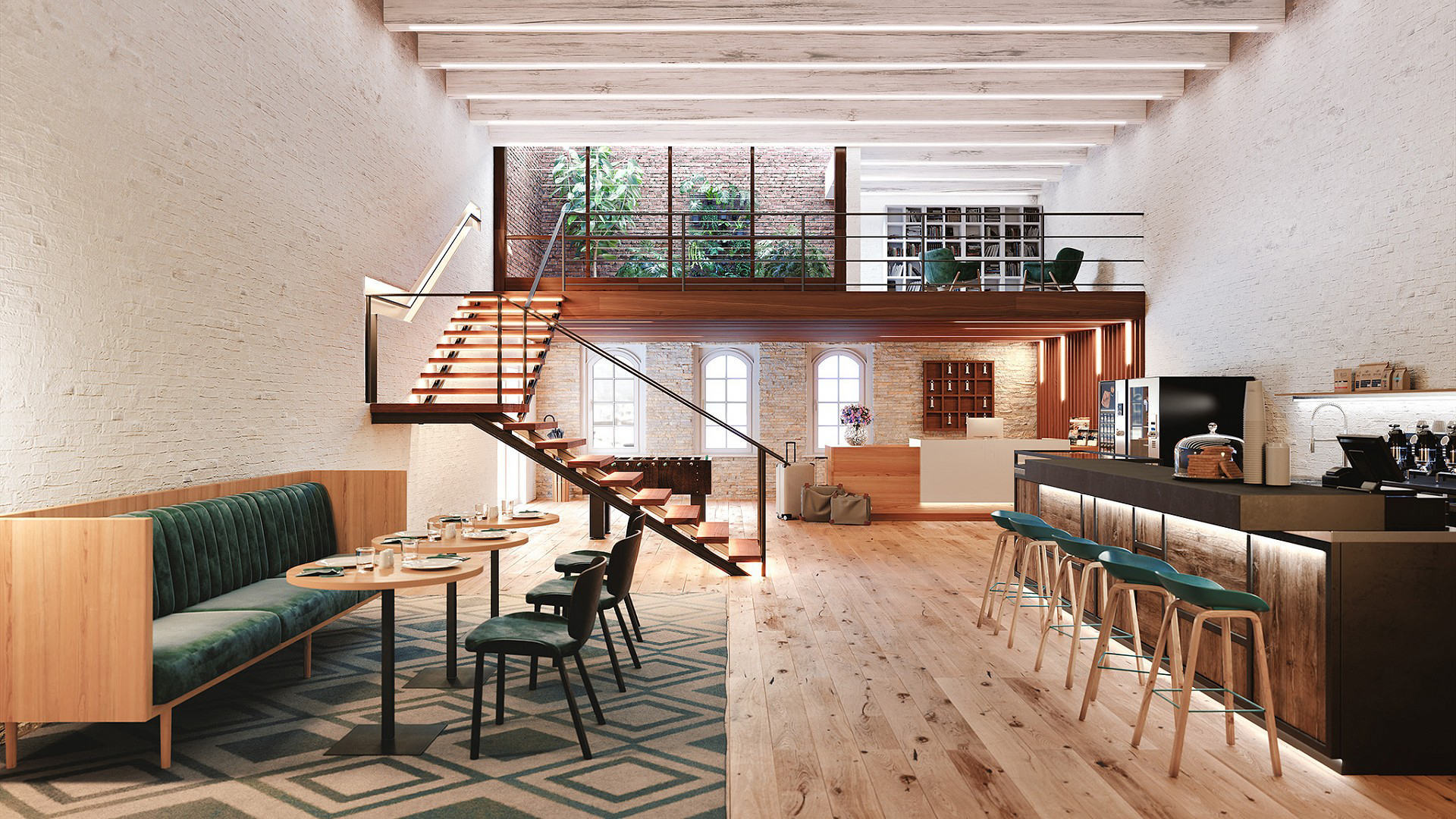
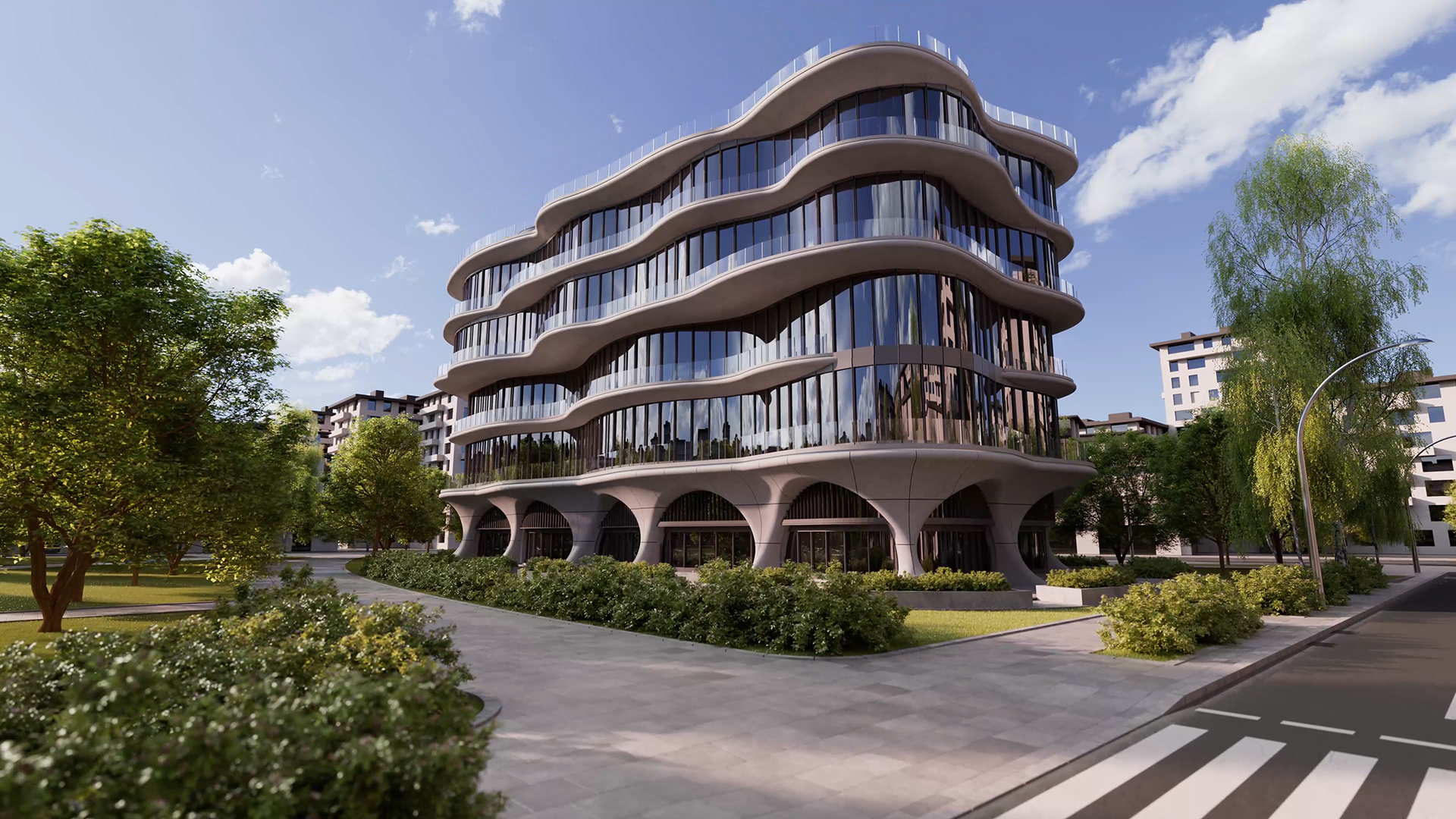
Redshift for Archviz is the ideal tool for architects to create high‑quality previews of any architectural design in real time, visualizing your model within a physically accurate environment using precise lighting and realistic materials. It offers an extensive toolset for enhancing architectural models, paired with the market‑leading rendering technology of Redshift, ensuring exceptional image quality and performance.
Architectural rendering
Real-time preview for fast iteration
For Mac and Windows
English, French, German, Italian, Spanish, Chinese, Japanese, Korean, Arabic, Czech, Polish.
Per utilizzare l'applicazione è necessario registrare un account MyMaxon e accettare il nostro EULA.
Available now for Vectorworks. Coming soon to Revit and Archicad.



Key Features
Maxon Redshift delivers real-time visualization that streamlines the architectural design workflow by integrating directly with your BIM software, allowing users to instantly preview, refine, and render their architectural models with cinematic quality— all in a single, seamless environment.
Architects
Professionals who need to transform technical drawings into realistic, client-ready presentations with accurate lighting, materials, and spatial context.
Professionals who need to transform technical drawings into realistic, client-ready presentations with accurate lighting, materials, and spatial context.
Interior Designers
Creators who want to explore and showcase room layouts, décor, textures, and lighting in lifelike detail for proposals and portfolios.
Creators who want to explore and showcase room layouts, décor, textures, and lighting in lifelike detail for proposals and portfolios.
Architectural Visualization Specialists
Artists focused on producing high-quality renders and animations that bring any architectural concept to life.
Artists focused on producing high-quality renders and animations that bring any architectural concept to life.
Interior Designers
Creators who want to explore and showcase room layouts, décor, textures, and lighting in lifelike detail for proposals and portfolios.
Creators who want to explore and showcase room layouts, décor, textures, and lighting in lifelike detail for proposals and portfolios.
Urban Planners
Specialists visualizing large-scale developments, cityscapes, and infrastructure projects to communicate ideas clearly to stakeholders and the public.
Specialists visualizing large-scale developments, cityscapes, and infrastructure projects to communicate ideas clearly to stakeholders and the public.
Students & educators in architecture or design
Teachers sharing their knowledge and demonstrating visualization techniques for projects as well as students preparing for a career in the creative industries.
Teachers sharing their knowledge and demonstrating visualization techniques for projects as well as students preparing for a career in the creative industries.
WHY CHOOSE US
Instantly preview your designs and architectural renderings in the BIM software of your choice with cinematic quality. View changes to your 3D models reflected in real-time, with accurate lighting, materials, and environmental effects. Ideal for quick design decisions and client presentations.

Redshift for Archviz integrates with your favorite BIM software as a native plugin, allowing you to instantly preview, refine and create realistic architectural renderings in a single environment.

Redshift for Archviz is available for Windows and Mac, enabling architects to use advanced visualization features wherever they work.


SHOWREEL
LAST RELEASE
Lorem ipsum dolor sit amet, consectetur adipiscing elit. Etiam auctor id enim ac faucibus. Sed pellentesque nibh ligula, vel pellentesque lectus condimentum sed.
Lorem ipsum dolor sit amet, consectetur adipiscing elit. Etiam auctor id enim ac faucibus. Sed pellentesque nibh ligula, vel pellentesque lectus condimentum sed.
Lorem ipsum dolor sit amet, consectetur adipiscing elit. Etiam auctor id enim ac faucibus. Sed pellentesque nibh ligula, vel pellentesque lectus condimentum sed.
See how we compare to other solutions
| Feature / Product | Redshift for Architects | Twinmotion | D5 Render | Chaos Envision |
|---|---|---|---|---|
Real-Time Visualization | ✓ | ✓ | ✓ | ✓ |
Integration with BIM/CAD | ✓ | ✓ | ✓ | ✓ |
Cinematic / Ray Traced Lighting | ✓ | ✓ | ✓ | ✓ |
Physically Based Materials | ✓ | ✓ | ✓ | ✓ |
Advanced Environmental Control (Time of Day / Weather) | ✓ | ✓ | ✓ | ✓ |
Asset Library | ✓ | Moderate | Large Library | Export/Import via workflow |
Animation / Walkthrough Tools | ✓ | ✓ | Basic / Not core focus | Advanced timeline & cinematic tools |
Ease of Use | Intermediate | High | Moderate | Moderate to high |
Professional Output / Final Renders | ✓ | ✓ | ✓ | ✓ |
Workflow Continuity (Design → Visualization) | ✓ | ✓ | ✓ | ✓ |
Animation Workflow | Via Cinema 4D | Twinmotion Built-in | Basic | Strong dedicated tools |
Mac & Windows | ✓ | ✓ | Windows Only | Windows Only |
ATTRIBUTES
Lorem ipsum dolor sit amet, consectetur adipiscing elit. Nam egestas id nibh id placerat. Suspendisse efficitur.
GOT QUESTIONS? WE HAVE ANSWERS
Answers to common questions about using Redshift in BIM visualization workflows.
Redshift is a GPU-accelerated, physically based renderer used to create high-quality, photorealistic images from BIM models. When paired with supported BIM software, Redshift enhances design visualization by providing faster render times, more accurate lighting, and higher material realism than traditional CPU-based rendering solutions. It is commonly used for final-quality imagery, client presentations, and marketing visuals while maintaining a strong connection to the underlying BIM data.
Redshift is optimized for modern GPU hardware and performs best on systems equipped with NVIDIA RTX graphics cards on Windows or Apple Silicon (M-series) on macOS. Because BIM models can be geometrically dense and material-heavy, a capable GPU significantly improves performance, responsiveness, and final render quality. While some workflows allow CPU fallback, GPU acceleration is central to Redshift’s speed and scalability advantages.
Redshift includes a library of physically accurate materials that can be applied to BIM geometry to achieve realistic surface behavior under real-world lighting conditions. These materials are designed to handle reflections, refractions, roughness, and energy conservation correctly, making them well suited for architectural finishes such as glass, metals, stone, and coatings. Materials from BIM software can often be converted or replaced with Redshift materials, allowing users to balance ease of use with higher visual fidelity.
Redshift is particularly well suited for architectural lighting scenarios, including daylight studies, artificial lighting design, and interior visualization. Its global illumination system produces natural light bounces and accurate shadowing, helping spaces read more realistically. When combined with physically based lights and real-world exposure values, Redshift delivers clean, predictable results for both interior and exterior scenes across BIM-driven workflows.
Yes, many BIM workflows support exporting projects to Cinema 4D or other digital content creation tools where Redshift is fully supported. Geometry, materials, cameras, and basic lighting typically transfer well, allowing users to continue refining scenes, materials, and lighting at a higher level of control. This approach is commonly used for advanced visualization, animation, and high-end marketing imagery while keeping the BIM model as the source of truth.

When it’s time to add animation, simulations, or advanced polish, you can export your project directly to Cinema 4D. Materials, lighting, and assets carry over intact, giving you access to cinematic control and tools for even more impactful walkthroughs, stills, and animations with studio-quality finish.
A curated collection of artwork from our community.

Turn your architectural vision into compelling visuals faster than ever.
Design freely, iterate quickly, and impress your clients.